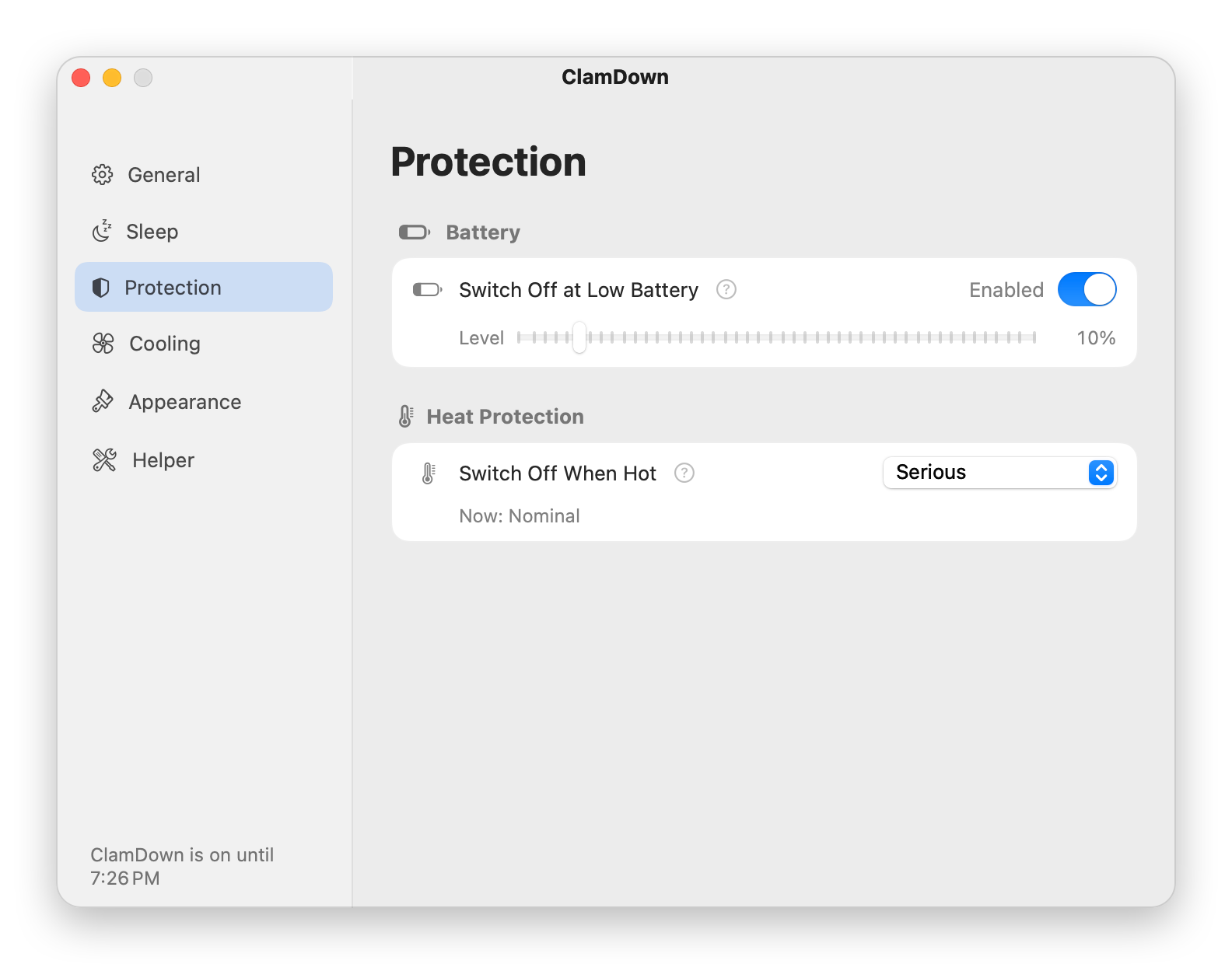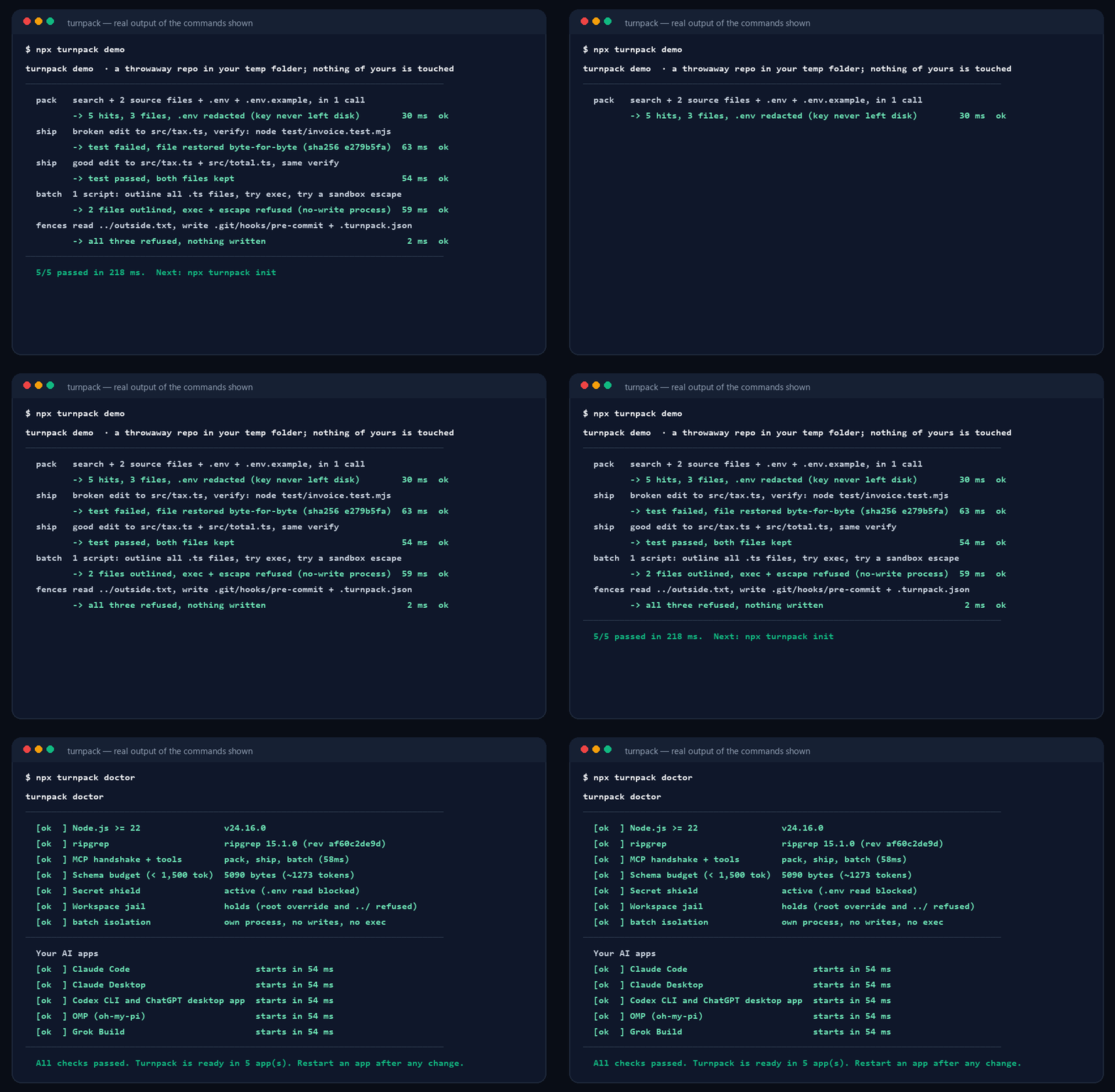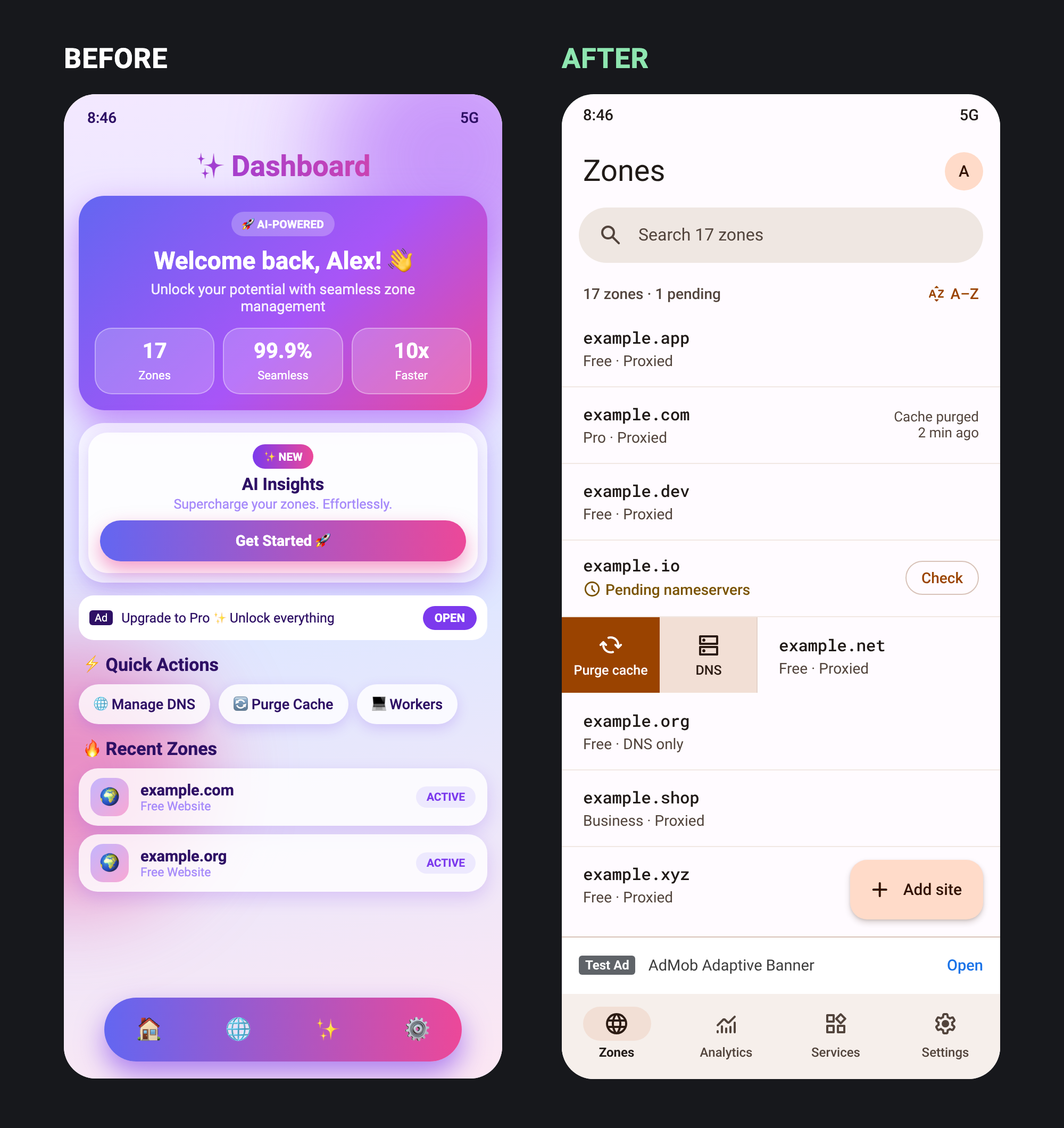

SmoovPlay, a free Windows program that receives a PS5’s Remote Play picture on a PC and has the graphics card draw AI frames so 30 fps console games play at 60, 90 or up to 120 fpsSmoovPlay, PS5 Remote Play 화면을 PC로 받아 그래픽카드가 AI 프레임을 그려 넣어 30fps 콘솔 게임을 60·90·최대 120fps로 보여 주는 Windows용 무료 프로그램
SmoovPlay is a free, MIT-licensed program for Windows 10 or 11 (64-bit) that receives a PS5’s Remote Play…SmoovPlay는 PS5 Remote Play 화면을 Windows 10·11(64비트) PC로 받아…
Read story기사 읽기
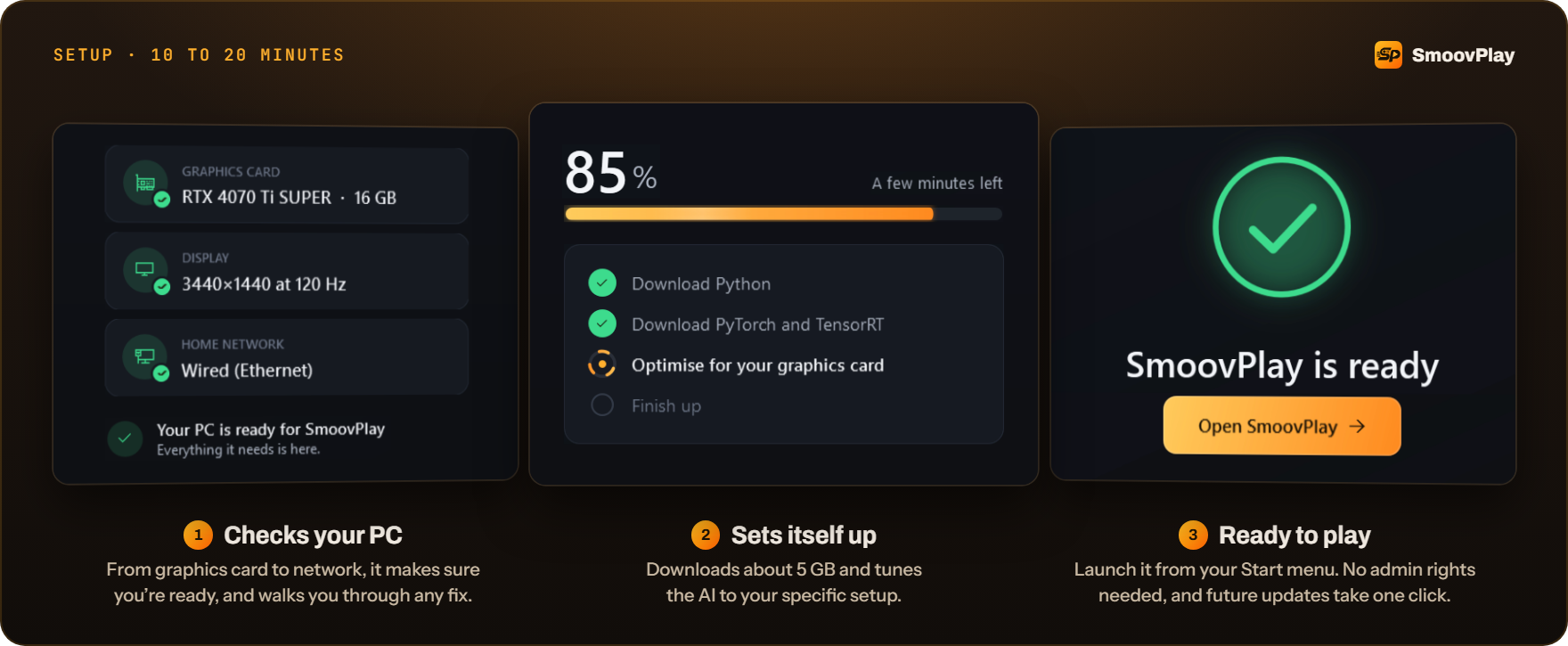
Image: SmoovPlay README.그림: SmoovPlay README.
Scroll sideways for the rest.옆으로 밀면 나머지가 보입니다. View original image원본 크게 보기
HREN


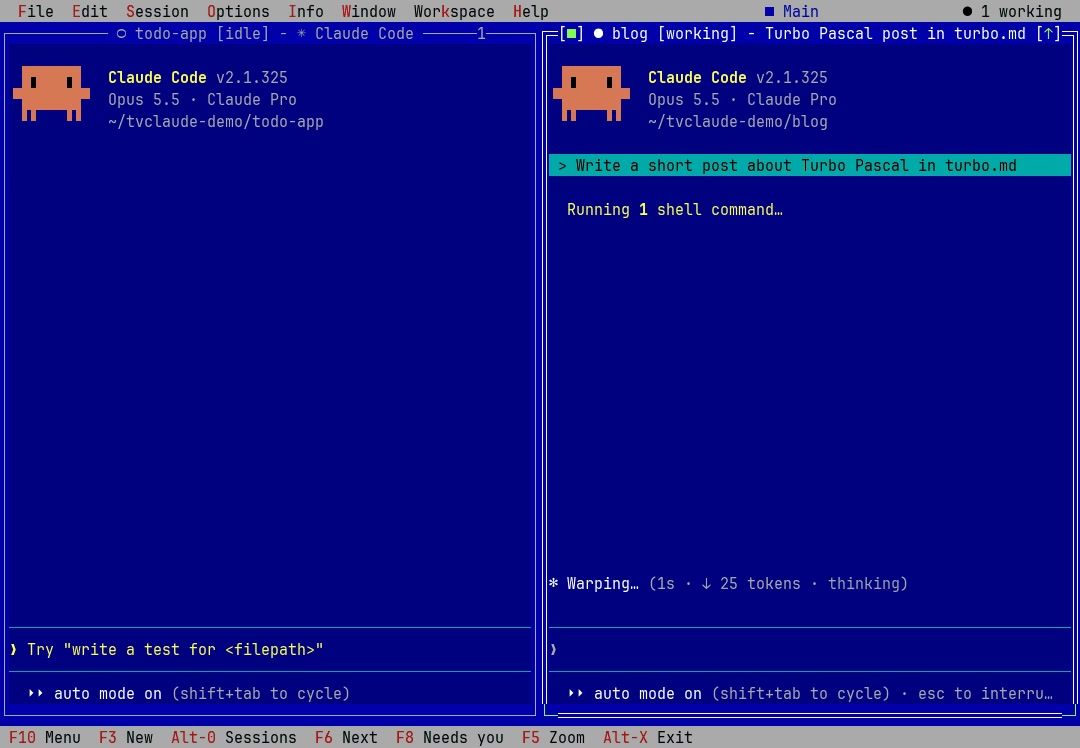
![A frame from the tvclaude README demo: a blue Turbo Vision desktop with the menu bar File, Edit, Session, Options, Info, Window, Workspace, Help and the status 1 working at the top right. Two Claude Code windows sit side by side, each on the Claude Code v2.1.325 start screen with Opus 5.5 and Claude Pro. The left window, todo-app [idle] in ~/tvclaude-demo/todo-app, shows only an input hint. The right window, blog [working] in ~/tvclaude-demo/blog, holds the prompt Write a short post about Turbo Pascal in turbo.md with the line Running 1 shell command below it. The bottom bar lists F10 Menu, F3 New, Alt-0 Sessions, F6 Next, F8 Needs you, F5 Zoom and Alt-X Exit.](../media/sns/6417aba00415bac8-tvclaude-demo-still.jpg)